Quick answer
- Bedroom or kitchen (sofa under 1.5 m away): 32–43 inch.
- Lounge (about 2–2.5 m): 50–55 inch.
- Large TV lounge (3 m or more): 65 inch.
- For 43 inch and above, choose 4K. Look for Google TV / Android TV for built-in YouTube and Netflix.
Most people who return to buy a second TV say the same thing: “I should have bought a bigger one.” But too big for the room is tiring to watch. This guide helps you pick the right size for your room, then explains LED, QLED and smart TV terms in plain language.
Step 1: Measure your viewing distance
Measure from where you sit to where the screen will be. With a 4K TV you can sit closer without seeing pixels, so you can choose a larger screen for the same room.
| Viewing distance | Recommended size (4K) | Typical room |
|---|---|---|
| Under 1.5 m (5 ft) | 32–43 inch | Bedroom, kitchen |
| 1.5–2 m (5–6.5 ft) | 43–50 inch | Master bedroom, small lounge |
| 2–2.5 m (6.5–8 ft) | 50–55 inch | Lounge |
| 2.5–3 m (8–10 ft) | 55–65 inch | Large lounge |
| Over 3 m (10 ft) | 65 inch and above | TV lounge, home cinema |
Rule of thumb: for a 4K TV, sit about 1 to 1.5 times the screen size (diagonal) away. A 55-inch screen is about 1.4 m diagonally, so 1.4–2.1 m is ideal.
Step 2: Resolution
- HD / Full HD: fine for 32 inch and kitchens or bedrooms.
- 4K (Ultra HD): four times the detail of Full HD. Worth it from 43 inch upwards, and standard on most mid-range TVs today. YouTube and streaming apps offer plenty of 4K content.
Step 3: LED, QLED, Mini LED or OLED?
| Panel | What it means | Good for |
|---|---|---|
| LED | Standard LCD with LED backlight | Everyday viewing, best value |
| QLED | LED TV with a quantum-dot layer for richer colours and brightness | Bright lounges, colourful sport and films |
| Mini LED | Thousands of tiny backlights for deeper blacks and higher brightness | Premium picture without OLED prices |
| OLED / NanoCell | OLED pixels light themselves for perfect blacks; NanoCell is LG’s colour-enhanced LED | Film lovers, darker rooms |
Step 4: Smart features
- Google TV / Android TV: YouTube, Netflix, apps from the Play Store and voice search. The most flexible choice.
- Other smart systems (Tizen on Samsung, webOS on LG): also include the main apps and are easy to use.
- Screen mirroring / Miracast: show your phone on the TV.
- HDMI ports: at least 2–3 if you connect a receiver box, game console or sound bar.
Practical points for Pakistani homes
- Voltage: TVs are sensitive to surges when power returns after load-shedding. A good surge protector is cheap insurance.
- Wall mounting: check the VESA mount size in the specs and use a sturdy bracket and wall.
- Sound: thin TVs have small speakers. In a large lounge, budget for a sound bar.
- Warranty: check whether the panel (screen) is covered and for how long; panel faults are the most expensive repair.
TVs we recommend by size
32 to 65 inch
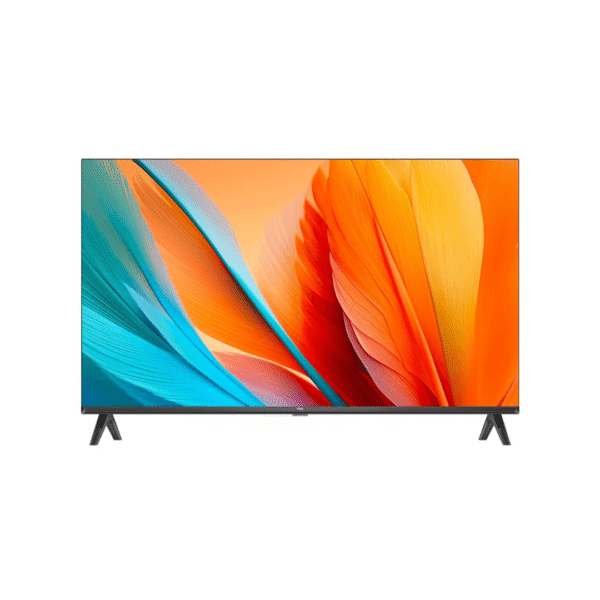 TCLTCL 32L5A 32" Smart Android TV (2025) | Full HD LED Smart TVRs 46,500In stock
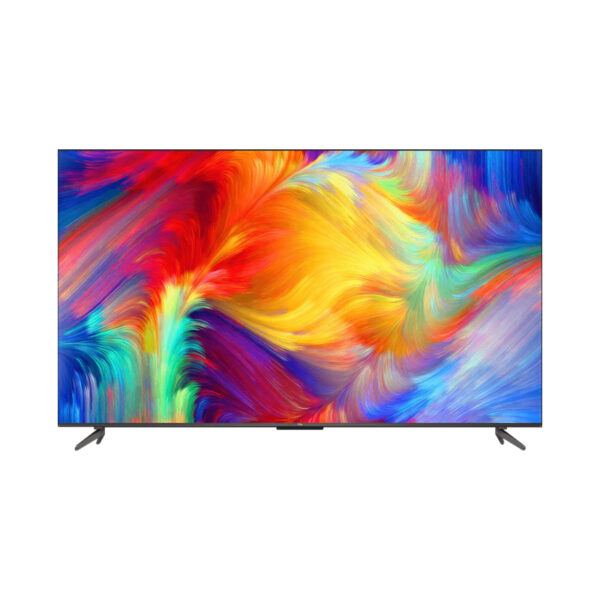 TCLTCL 43 Inch 4K UHD Smart LED TV 43P635Rs 90,000In stock
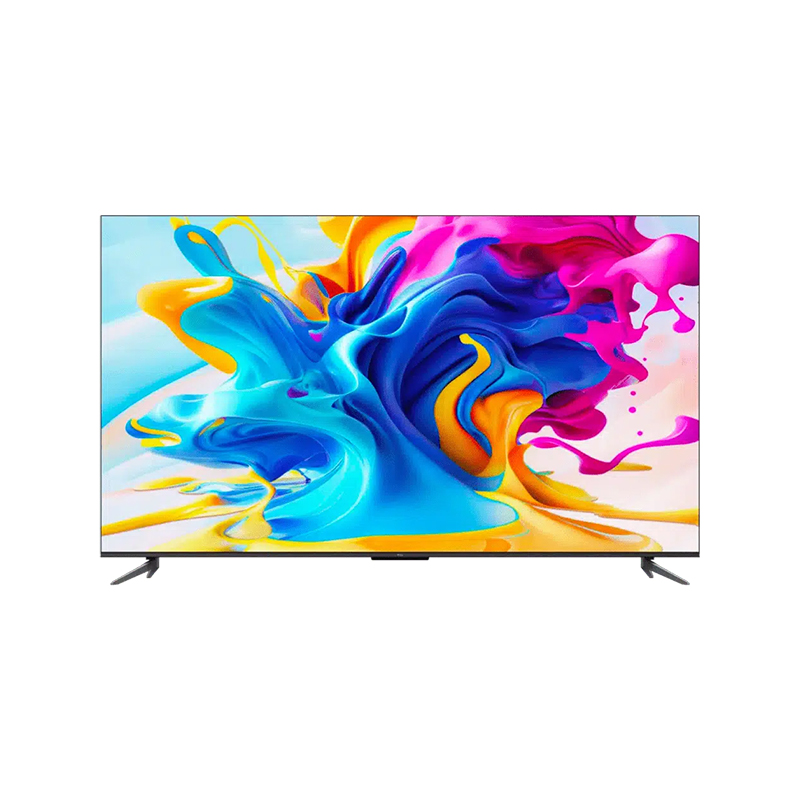
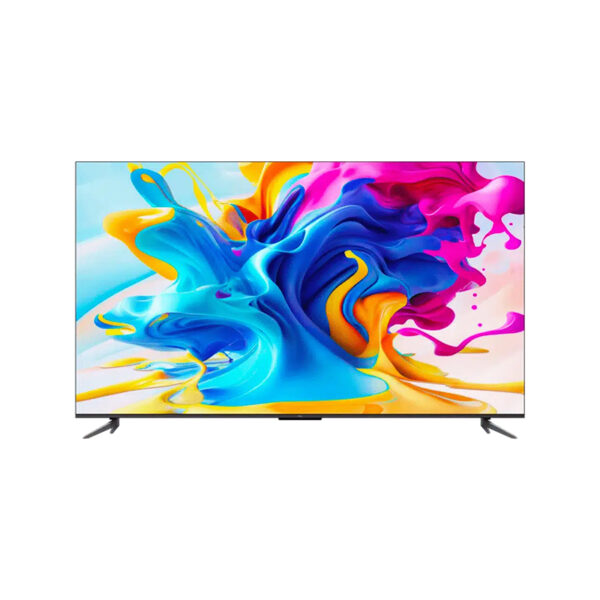 TCLTCL 50 Inches 4K QLED Google LED TV 50C645Rs 150,000In stock
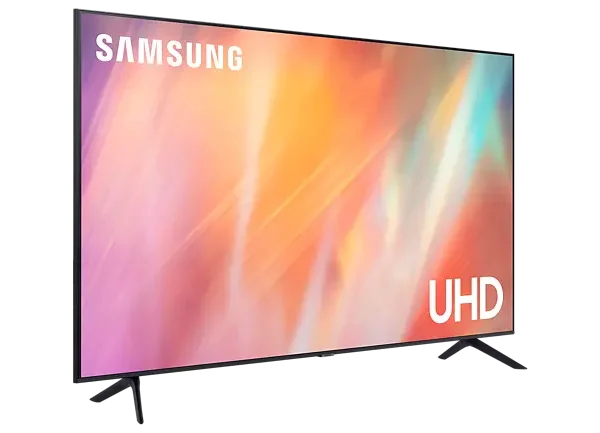 SamsungSamsung 55 Inches Crystal UHD 4K Smart LED TV 55CU7000Rs 195,000In stock
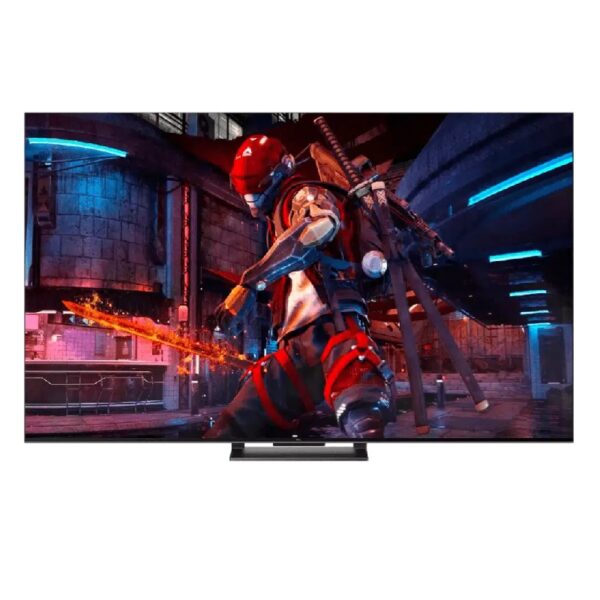 TCLTCL 65 Inches 4K QLED Google LED TV 65C745Rs 285,000In stock
See every model in our LED TV range, including TCL TVs.
Frequently asked questions
Is 55 inch too big for a bedroom?
If you sit about 2 m or more from the screen, a 4K 55-inch works well. Closer than 1.5 m, choose 43 inch.
Is QLED worth the extra cost?
In bright rooms, yes. QLED is brighter with more vivid colour. For a bedroom used mostly at night, a good 4K LED is enough.
Do I need a separate Android box?
Not with a Google TV or Android TV model. The apps are built in.